


Tracking Setup
$497 one-time
Best for: Counting what matters.
- Google Analytics 4 set up or fixed
- Key actions tracked: calls, forms, bookings, sales
- Ad and social pixels installed
- Search Console connected
- Testing and a short guide
Track your website, ads, social and email properly, see it all in one dashboard, and get plain-language reports with next steps.
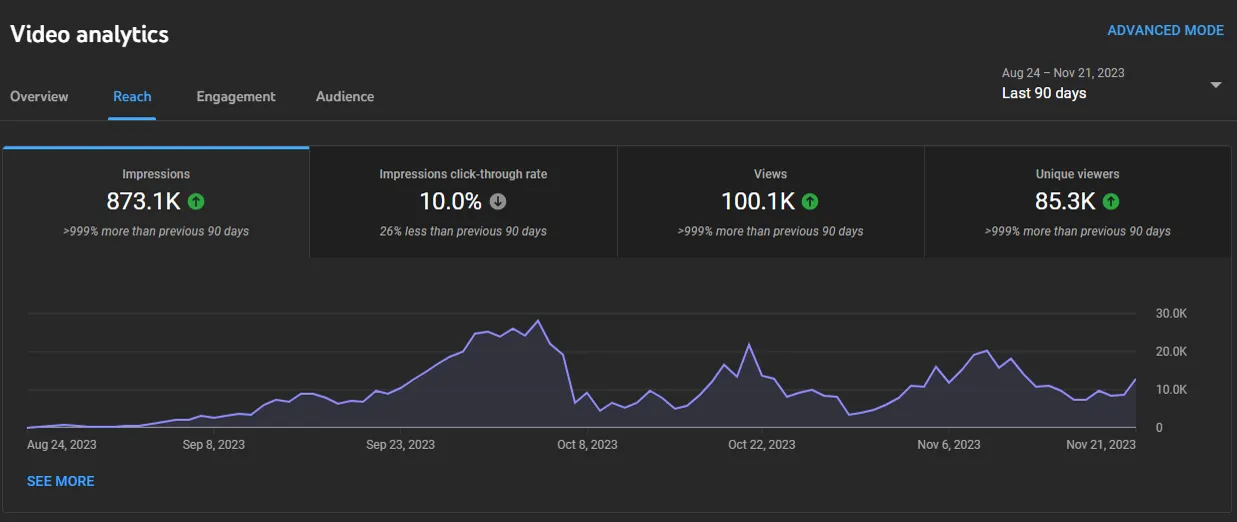
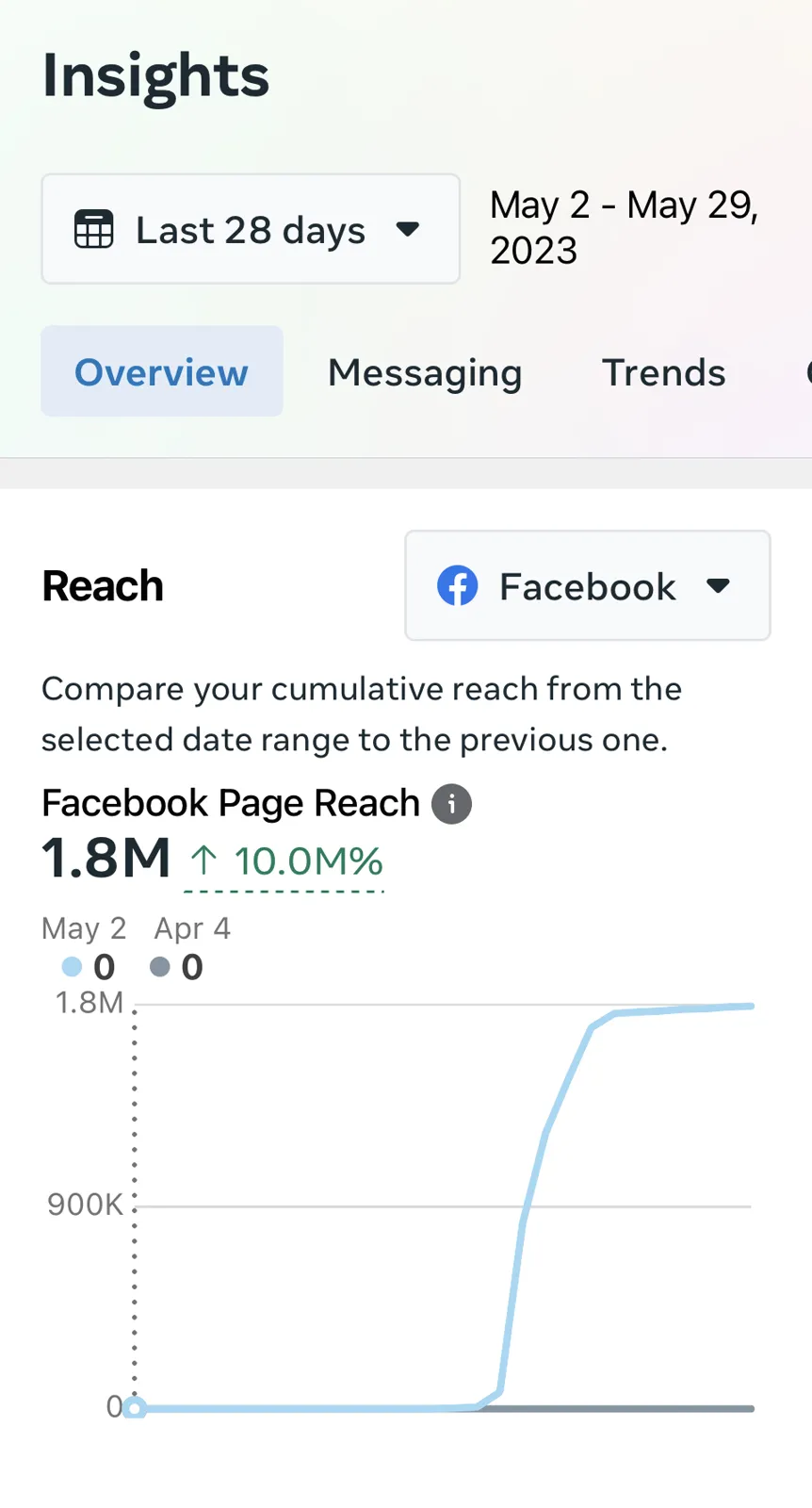
You are not sure which marketing brings in customers.
Your numbers are spread across 5 different tools.
You need clear reports for a board, partners or funders.
Built on free tools like Google Analytics and Looker Studio wherever possible.
Best for: Counting what matters.
Best for: Everything in one view.
Best for: Monthly clarity.
Monthly plans renew each month until you pause or cancel with 14 days notice.
Stripe emails your receipt, and we are notified to start your project.
We send your service agreement to sign online. Once it is signed, you get your Kindah OS client portal invite and a short onboarding checklist.
You complete the checklist and share what we need (listed below). We confirm the plan and dates with you.
We test that every action is counted correctly before handing over.
Tracking: about 1 to 2 weeks. Dashboard: about 3 weeks. Reporting: first report at the end of your first full month.
We walk you through everything, hand over the files and logins, and you own all of it.
Pick a package and check out securely.
We agree what to measure and connect your tools.
We install and test every tracked action.
Dashboard or report built around your goals.
We show you how to read it and what to do next.
Usually not. Google Analytics and Looker Studio are free.
Google Analytics does. We can set up a privacy-friendly option if you prefer.
Yes. You can share it with anyone you choose.
That is common. Tracking Setup fixes it first.
Pick the one that matches how ready you are. All three end in the same place: your contract, your Kindah OS portal and a team that gets to work.
Pay securely with Stripe. We send your contract within 1 business day, then your Kindah OS portal invite.
Almost readyFill in the form below. We confirm the package fits and reply within 1 business day.
Still decidingA free 30-minute call to talk through your business and the right package. No pressure.
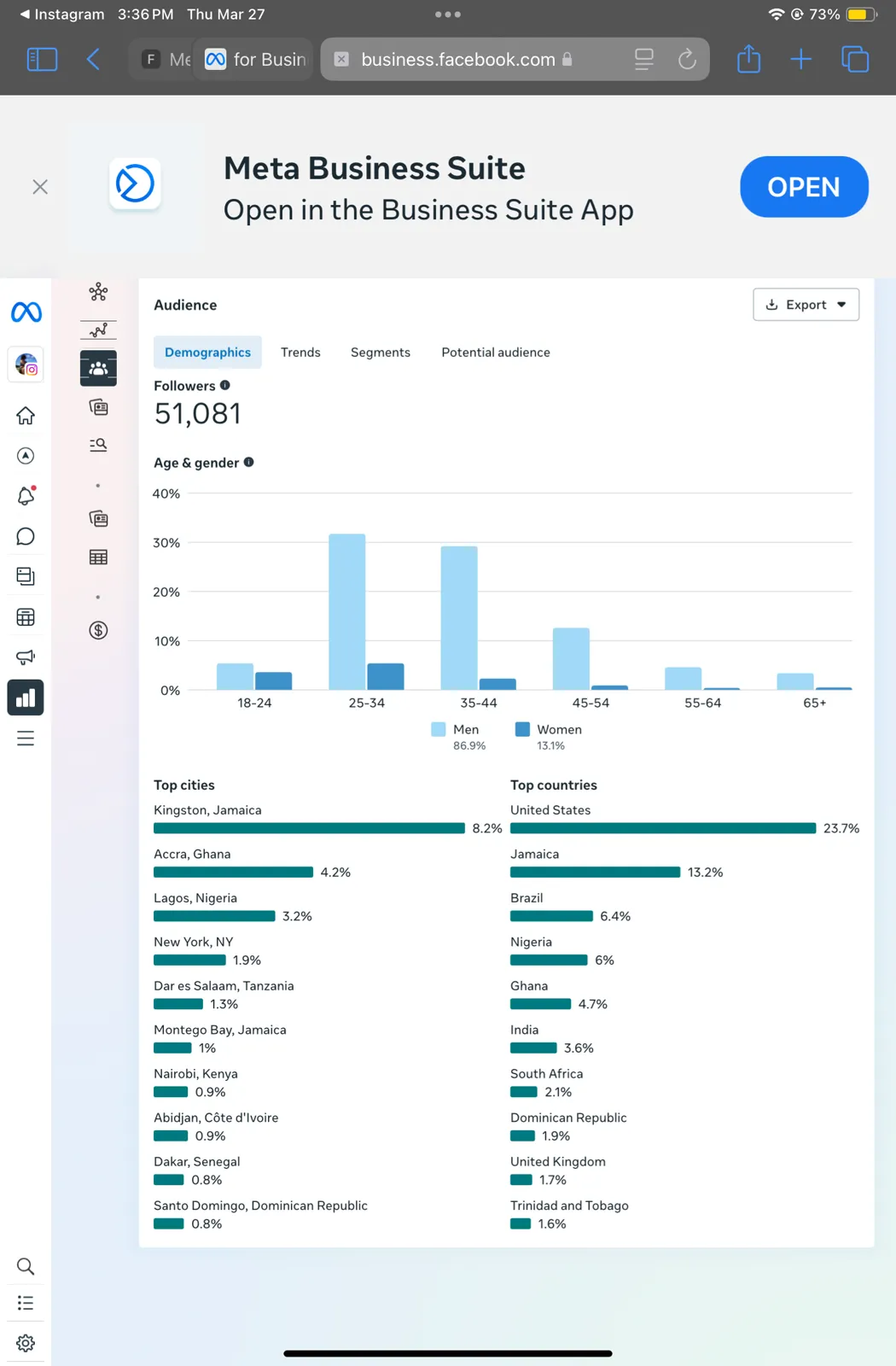
Many Kindah Studios clients combine services: social media managed daily, a branded business, a growing YouTube channel, and an active WhatsApp community.
Decide with numbers, not guesses.
Set Up My Tracking